Small businesses can use AI to triage enquiries, prepare follow-ups, answer routine questions, extract documents, update records, create recurring reports, and support marketing. Start with a low-risk task inside tools you already use and keep a person responsible for the output.
15 practical small-business use cases
Sales and customer service
- Classify website and email enquiries by service, urgency, and location.
- Draft a personalised first response from approved service information.
- Create or enrich CRM records without retyping every field.
- Answer routine questions and transfer uncertain cases with context.
- Summarise calls and prepare clear follow-up actions.
Operations and finance
- Extract details from invoices, purchase orders, forms, and emailed PDFs.
- Check jobs for missing information before scheduling.
- Prepare weekly reports from spreadsheets and business systems.
- Turn meeting notes into assigned actions and draft updates.
- Search procedures, product information, and internal documents.
Marketing and administration
- Repurpose an approved article into email and social drafts.
- Analyse review themes and customer feedback.
- Prepare first drafts of job ads, onboarding notes, and policies.
- Research prospects or suppliers against a defined checklist.
- Build quote or proposal drafts from a controlled template.
Check the tools you already pay for
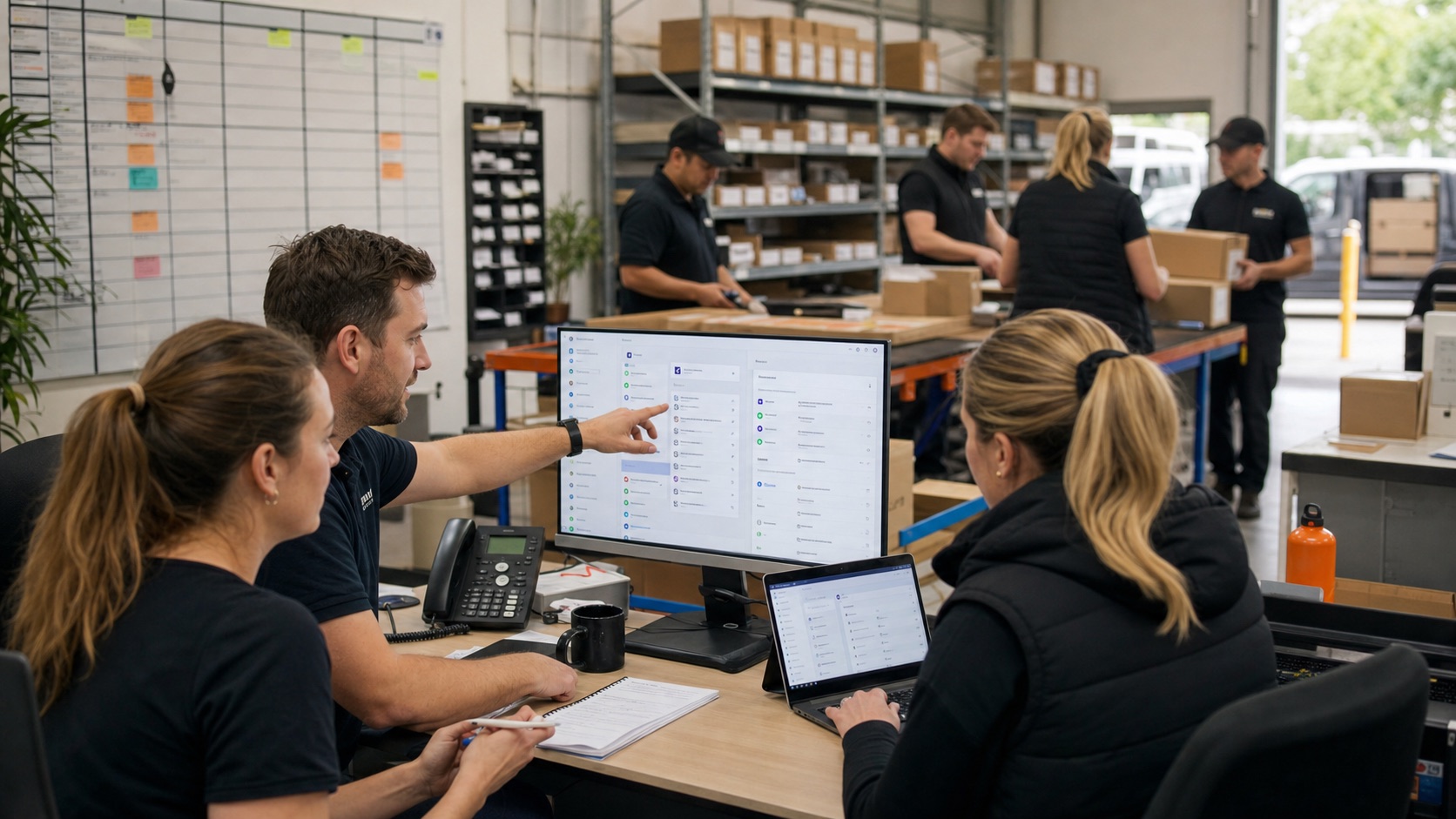
Before buying another platform, review the AI and automation features inside your email, accounting, CRM, helpdesk, calendar, office suite, and ecommerce software. Existing tools may already have access to the right records and permissions.
This can be faster and less expensive than a custom build, but do not enable features blindly. Confirm how information is stored, whether it may be used to improve a vendor's models, which staff can access it, and how generated output is reviewed.
Custom integration becomes worthwhile when the useful workflow crosses several products, requires business-specific logic, or needs an interface that existing software cannot provide.
Choose a first project that can prove itself
Good first projects happen frequently, have a recognisable pattern, and create a reversible output. Drafting an enquiry response for approval is easier to test than letting a system send every message. Extracting invoice fields for review is safer than authorising payment.
Record a baseline before the pilot: monthly volume, minutes per task, response delay, error rate, or missed opportunities. Without a baseline, the business cannot distinguish genuine value from novelty.
Run the system beside the current process on real examples. Track the cases it handles, the cases it escalates, and the corrections a person makes. Expand only when the results are stable.
Simple guardrails for a small team
- Name one person accountable for each AI tool or workflow.
- List approved tools and the tasks they may be used for.
- Do not enter customer, health, financial, credential, or confidential information into public tools without an approved basis.
- Require human review for customer-facing, financial, legal, or safety-related output.
- Keep examples of failures and update the process when patterns appear.
- Give customers an easy path to a person.
Government guidance says the business remains responsible for what its AI tools do. Small scale reduces paperwork, not accountability.
A realistic 30-day starting plan
- Week one: identify five repetitive tasks and choose one using value, frequency, risk, and clarity.
- Week two: document the workflow, collect representative examples, and define what the system may never do.
- Week three: configure a small pilot and compare its output with the current method.
- Week four: measure corrections and time saved, train the people involved, and decide whether to improve, expand, or stop.
For a small business, useful AI should remove a recurring burden without creating a new system that only one person understands.
Sources and further reading
Research checked 23 July 2026. External guidance can change; confirm current legal, privacy, security, and vendor requirements for your situation. Read our editorial policy.
- Artificial intelligence for business — business.gov.au
- AI for small business — OpenAI
- Privacy and commercially available AI products — OAIC
Want to apply this to your own business?
BrainSwerve maps the workflow, checks where AI is useful, and designs the controls before anything is built.