AI can extract and classify invoices, forms, purchase orders, contracts, and emailed documents, then pass structured data into a controlled workflow. It should not approve payments or treat uncertain fields as facts without validation and authorised review.
How AI document processing works
- Receive: collect documents from email, upload, scanner, portal, or system integration.
- Classify: identify the document type, supplier, customer, or process.
- Extract: read fields, tables, line items, dates, references, and free text.
- Validate: check formats, required fields, duplicates, totals, and records in other systems.
- Match: compare invoices with purchase orders, receipts, contracts, or supplier details.
- Route: send routine cases to the next step and uncertain cases to a review queue.
- Record: write approved data to accounting, ERP, CRM, document, or workflow systems.
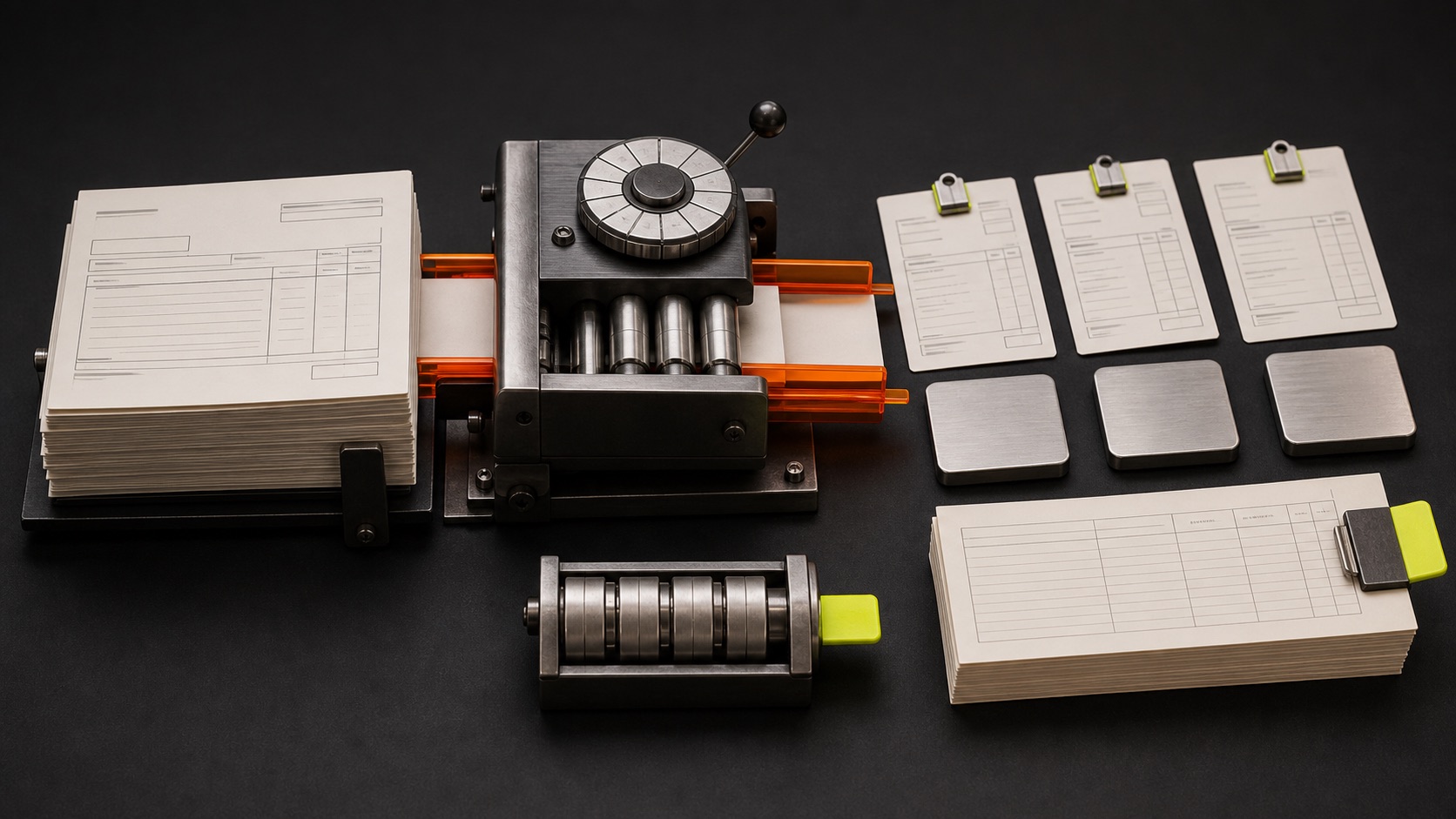
Use AI for variation and rules for control
AI is useful when suppliers use different layouts, email descriptions vary, scans are imperfect, or the same fact appears in several forms. It can interpret rather than depend on one exact coordinate.
Rules should still check ABNs, date formats, totals, duplicate invoice numbers, approved suppliers, purchase-order limits, and required authorisation. Calculations and policy gates should be deterministic wherever possible.
Store extraction confidence and validation results with the record. Low confidence is not a failure if the system routes the case to a clear review queue.
Use structured eInvoicing when it is available
AI should not replace reliable structured data. Australian eInvoicing uses the Peppol network to exchange standardised invoice data directly between seller and buyer software. Where both trading partners support it, structured exchange can reduce the need to interpret PDFs.
AI remains useful around the edges: onboarding suppliers, handling emailed exceptions, classifying attachments, explaining mismatches, and coordinating missing information.
The strongest architecture chooses the simplest reliable method for each input rather than forcing every invoice through the same AI step.
Controls for finance document automation
- Verify supplier bank-detail changes through an independent approved channel.
- Keep payment approval outside the extraction model.
- Separate document intake, data validation, and financial authorisation.
- Log the source document, extracted values, corrections, and approver.
- Protect personal, payroll, tax, and commercially sensitive information.
- Monitor duplicate, unusual, and low-confidence cases.
- Retain documents according to current legal and accounting requirements.
Build the business case from volume and exceptions
Measure documents per month, handling time, rework, late processing, duplicate risk, and time spent chasing missing data. Then separate routine volume from exception volume.
A useful automation may process 70 percent of documents straight through and prepare the rest for faster review. Requiring 100 percent autonomy can make a good project unnecessarily expensive and risky.
Track field-level accuracy as well as document-level completion. Supplier, invoice number, date, tax, line totals, purchase-order reference, and bank details do not carry the same consequence. Set stricter validation and review for the fields that can create financial loss or reporting errors.
Review corrections by supplier and document type. A recurring layout problem may be fixed with a dedicated parser or supplier conversation, while scattered low-confidence cases may justify a broader AI step. The evidence should determine the design.
The goal is not to make every document invisible. It is to let people focus on the exceptions where judgement and accountability matter.
Sources and further reading
Research checked 23 July 2026. External guidance can change; confirm current legal, privacy, security, and vendor requirements for your situation. Read our editorial policy.
- eInvoicing for businesses — Australian Taxation Office
- The Peppol network — Australian Taxation Office
- Identifying and scaling AI use cases — OpenAI
Want to apply this to your own business?
BrainSwerve maps the workflow, checks where AI is useful, and designs the controls before anything is built.